Best work totes that fit a laptop
We may earn a commission when you buy through links on this page. It never changes what a guide says. How this works.
Among the best work totes that fit a laptop, Away’s The Everywhere Tote leads for its zip top, padded pocket and published handle drop. Targus costs less, TUMI suits a smaller computer and Cuyana is unstructured leather. Confirm laptop fit first.
Quick picks
| Pick | Best for | Key spec | Price tier |
|---|---|---|---|
| Away The Everywhere Tote | A zip-top tote with integrated laptop padding | Pocket rated up to 16 inches | $$$ |
| TUMI Valetta Medium Tote | A smaller laptop in a separately zipped compartment | 13-inch PC or 14-inch MacBook screen rating | Not shown |
| Cuyana Classic Easy Zipper Tote | An unstructured leather tote to organize yourself | Room for a 15–16-inch laptop | $$$$ |
| Targus 15–16" Avila Tote | A lower-cost zipped tote with a published laptop-compartment size | Laptop compartment 14.3 × 9.96 inches | $$ |
| Baggallini True Classic Laptop Tote | A nylon tote with a crossbody strap and luggage sleeve | Padded sleeve fits up to 16 inches | $$$ |
Tiers use manufacturer list prices: $ under $50; $$ $50–$149; $$$ $150–$299; $$$$ $300 and up. Promotional amounts do not change a tier.
The best work totes that fit a laptop are the ones that fit yours, so measure the computer and list your daily load before choosing a style. Our work bags guide covers alternatives when a shoulder tote is not the right carrying format.
How we chose
bags.net did not test these totes. Picks come from makers' published specs and warranty terms: closure design, laptop accommodation, handle drop, empty weight and stated construction. Tiers use list prices rather than discounts. TUMI's US page did not show a price when we checked, so its tier reads "Not shown". Its specs come from TUMI's European page for the same style. Sources were checked November 17, 2026. Nothing here is judged from photos: not comfort over a coat, not upright stability, not pocket size.
What to look for

1. Separate laptop capacity from padded-pocket fit
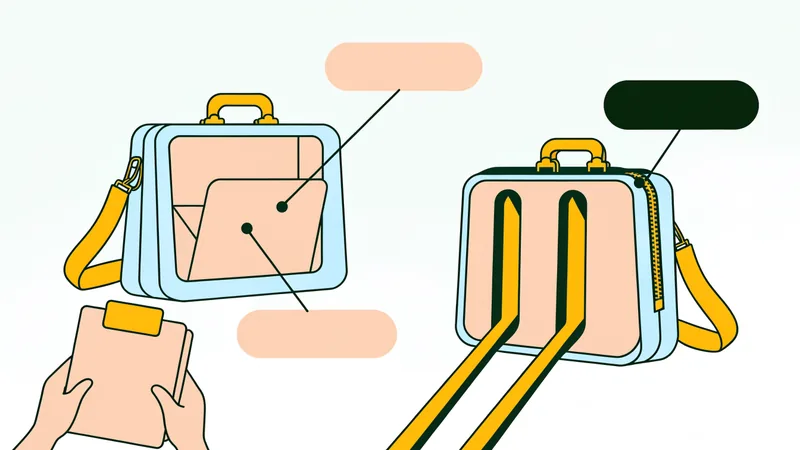
A tote can have room for a computer without including a protective laptop section. Decide whether you want integrated padding or will use a separate sleeve.
Measure the closed laptop’s width, depth and thickness. Include an attached shell or the sleeve you intend to use.
Take Targus’s 14.3 × 9.96-inch laptop compartment. A 14 × 9.5-inch computer clears it on paper, but the page gives no depth, so thickness is still a question.
Only Targus publishes laptop-compartment length and width, and none of these makers publishes its depth. Ask the maker to confirm your exact computer when the screen-size category leaves doubt.
2. Use handle drop as a comparison, not a promise
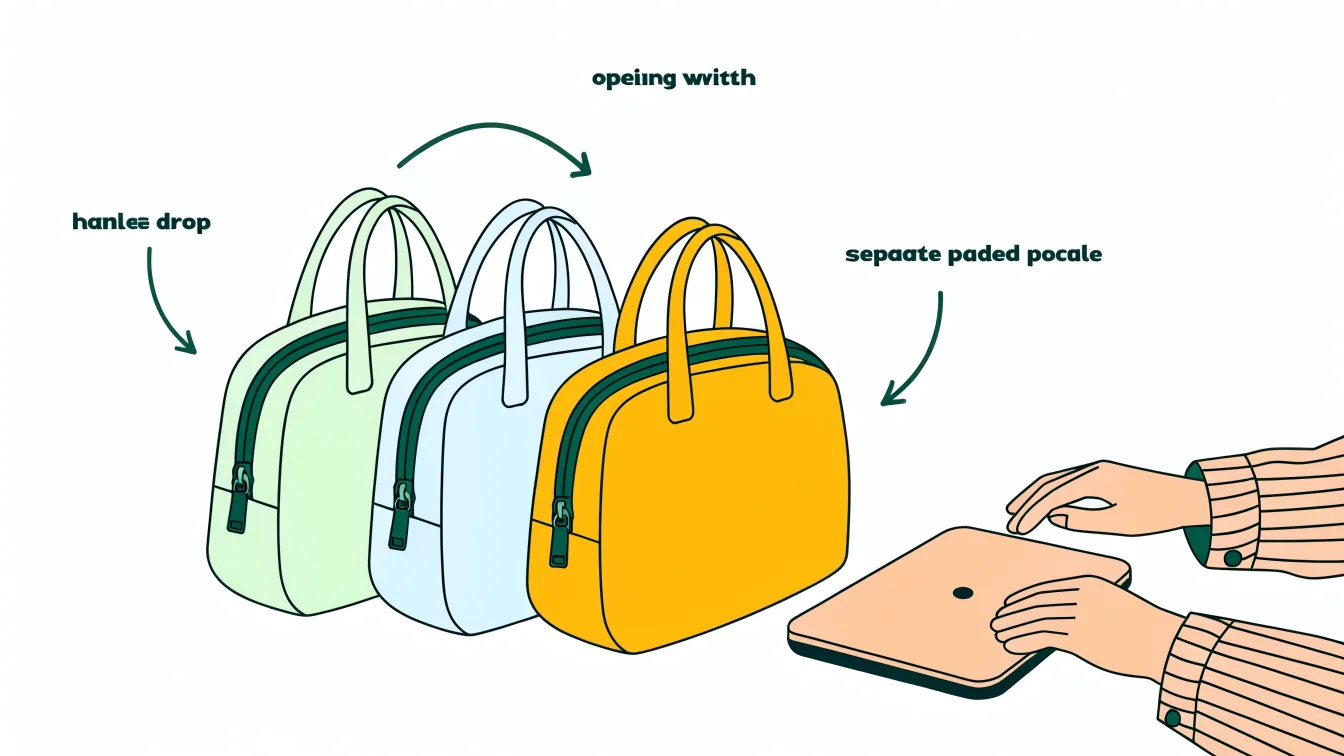
Handle drop describes the clearance below the handle’s highest point. It is more useful for shoulder carrying than the total strap length.
Compare that measurement with a tote you already find usable over your usual coat. Do this while wearing the coat, not while holding the bags at arm’s length.
The picks here run from a 9-inch drop (TUMI) to 11.2 inches (Away). Two extra inches help over a thick coat, but strap width and a packed load decide the rest.
3. Distinguish shape from verified structure
A tidy product photo cannot tell you whether a tote stands up when empty. Look for the maker's own words on structure.
Cuyana describes its option as unstructured. Away, Targus and Baggallini do not say whether their totes stand up on their own, and TUMI's page is worth the same check.
An organizational insert may change the arrangement, but it also occupies space.
Our tote bags guide can help you compare an open interior with more compartmentalized designs.
4. Check the closure with your whole load
A zip top should close over the computer and the other items you carry. Do not count space above the usable closure as laptop capacity.
Write a short packing list: computer, charger, bottle, lunch and personal items. Then decide which items need separate pockets and which can share the main compartment.
Check access too. A work tote loses much of its appeal if reaching the computer means first removing your lunch and every small pouch.
5. Count empty weight before adding electronics
Use a simple total: bag weight plus everything you put inside it. For illustration, a 1.6-pound bag and 6-pound load total 7.6 pounds.
That total is a planning number, not a carrying limit. The picks here weigh from 1.14 lb (Targus) to about 1.8 lb (TUMI) empty.
If you want a separate protective layer, compare laptop sleeves using both computer fit and finished sleeve size.
Best work totes that fit a laptop: the five picks
Away The Everywhere Tote: best for integrated padding and a zip top
This is the starting recommendation for someone who wants the laptop pocket already built in. The published handle drop also makes comparison with an existing shoulder bag straightforward.
| Verified spec | Maker’s figure or feature |
|---|---|
| Exterior, as listed | 18.5 × 11.5 × 7.6 inches |
| Empty weight and capacity | 1.57 lb; 21L |
| Handle drop | 11.2 inches |
| Laptop storage | Padded pocket with snap, rated up to 16 inches |
| Warranty | Limited one-year warranty |
The nylon tote has leather trim and a top zipper.
Price tier: $$$, from the maker’s US list price.
Watch out for: Away does not list the laptop pocket’s internal dimensions, so a thick 16-inch computer may not fit.
TUMI Valetta Medium Tote: best for a smaller computer and separate zip access
Choose this if a separately zipped padded laptop section suits your routine. It is not sized for a 16-inch work laptop.
| Verified spec | Maker’s figure or feature |
|---|---|
| Exterior, H × W × D | 26.5 × 40.5 × 11.5 cm (about 10.4 × 15.9 × 4.5 inches) |
| Empty weight and primary material | 0.8 kg (about 1.8 lb); nylon |
| Carrying drops | Leather shoulder straps with a 9-inch drop; removable strap with a drop up to 26 inches |
| Laptop accommodation | Zip entry to a padded compartment for a 13-inch PC or 14-inch MacBook screen |
| Warranty | Limited 5-year global warranty |
Price tier: Not shown on TUMI’s US page when we checked.
Watch out for: TUMI rates the laptop compartment by device (a 13-inch PC or 14-inch MacBook), so confirm borderline compatibility with TUMI.
Cuyana Classic Easy Zipper Tote: best for an unstructured leather carryall
Choose this if you prefer an open interior that you organize yourself. It has room for a laptop but is not a substitute for a padded computer bag.
| Verified spec | Maker’s figure or feature |
|---|---|
| Exterior, H × W × D | 12.5 × 20.5 × 5 inches |
| Empty weight | 1.6 lb |
| Handle drop | 11 inches |
| Construction | Pebbled leather; unstructured; hidden zipper |
Price tier: $$$$ for the tote alone.
Watch out for: Cuyana does not describe a padded laptop section. Budget space for a compatible sleeve or a separately sold organizer.
Targus 15–16" Avila Tote: best for a lower-cost zipped tote
Choose this if you want a zipped work tote at the lowest tier here. It is the only pick whose maker lists laptop-compartment length and width.
| Verified spec | Maker’s figure or feature |
|---|---|
| Exterior, L × W × H | 17.52 × 3.94 × 11.42 inches |
| Empty weight | 1.14 lb |
| Laptop accommodation | 16-inch laptops and under; compartment 14.3 × 9.96 inches |
| Closure and material | Zippered 13L main compartment; water-resistant memory fabric with vegan leather accents |
| Warranty | Limited Lifetime Warranty |
Price tier: $$, from the maker’s US regular price.
Watch out for: Targus does not state a handle drop, so compare the handles with a tote you already carry.
Baggallini True Classic Laptop Tote: best for a crossbody option and a luggage sleeve
Choose this if you want a padded laptop sleeve plus a detachable crossbody strap. A luggage sleeve also lets it ride on a rolling bag.
| Verified spec | Maker’s figure or feature |
|---|---|
| Exterior, W × H × D | 18 × 11.75 × 6.25 inches; 16.8 liters |
| Empty weight and material | 1 lb 12 oz; TruNylon fabric |
| Carrying drops | 10.5-inch shoulder drop; 52-inch detachable crossbody strap |
| Laptop accommodation | Padded sleeve fits up to 16-inch laptops |
Price tier: $$$, from the maker’s US price.
Watch out for: Baggallini does not say how the main compartment closes, so do not assume a zip top.
Which one should you buy?
Choose by the feature you would otherwise need to add. Integrated laptop organization favors the Away, TUMI, Targus or Baggallini picks; a self-organized interior favors Cuyana.
On a tighter budget, start with Targus, the only $$ pick. If you want a crossbody strap for longer walks, look at Baggallini.
For a 13-inch PC or 14-inch MacBook, look at TUMI’s separately zipped compartment. For a 16-inch laptop, start with Away, Targus or Baggallini, which all publish a 16-inch rating.
Choose Cuyana only if an unstructured tote fits your expectations. Do not buy it expecting the empty bag to behave like a rigid briefcase.
Before ordering, compare handle clearance with your usual coat and measure the computer with its intended sleeve. If either check fails, widen the search.

FAQ
What strap drop is best for carrying a tote over a coat?
There is no universal number. Measure a tote that works over your own coat and compare its handle clearance with the candidate.
Check it with your typical load, too; a published drop cannot guarantee comfort.
Does a tote that fits a laptop include a padded pocket?
Not necessarily. A capacity claim can describe space in the main compartment rather than a dedicated protective section.
Check the feature list for explicit padding and pocket details. If those are absent, plan for a compatible sleeve and include its outside dimensions in your fit check.
Will a 16-inch work tote fit every 16-inch laptop?
No. Screen size does not specify chassis width, depth or thickness. Measure the closed computer and include any shell or sleeve you use.
When a page gives only a screen size, ask the maker for pocket dimensions or a yes on your exact model. Do not force a tight closure.
Should a work tote stand up by itself?
That depends on how you use it. If you keep it open beside a desk, standing unsupported may matter.
If it usually hangs from a hook, it may matter less. If a self-standing bag is essential, ask the maker directly; a photo will not tell you.