Best school backpacks with a laptop compartment
We may earn a commission when you buy through links on this page. It never changes what a guide says. How this works.
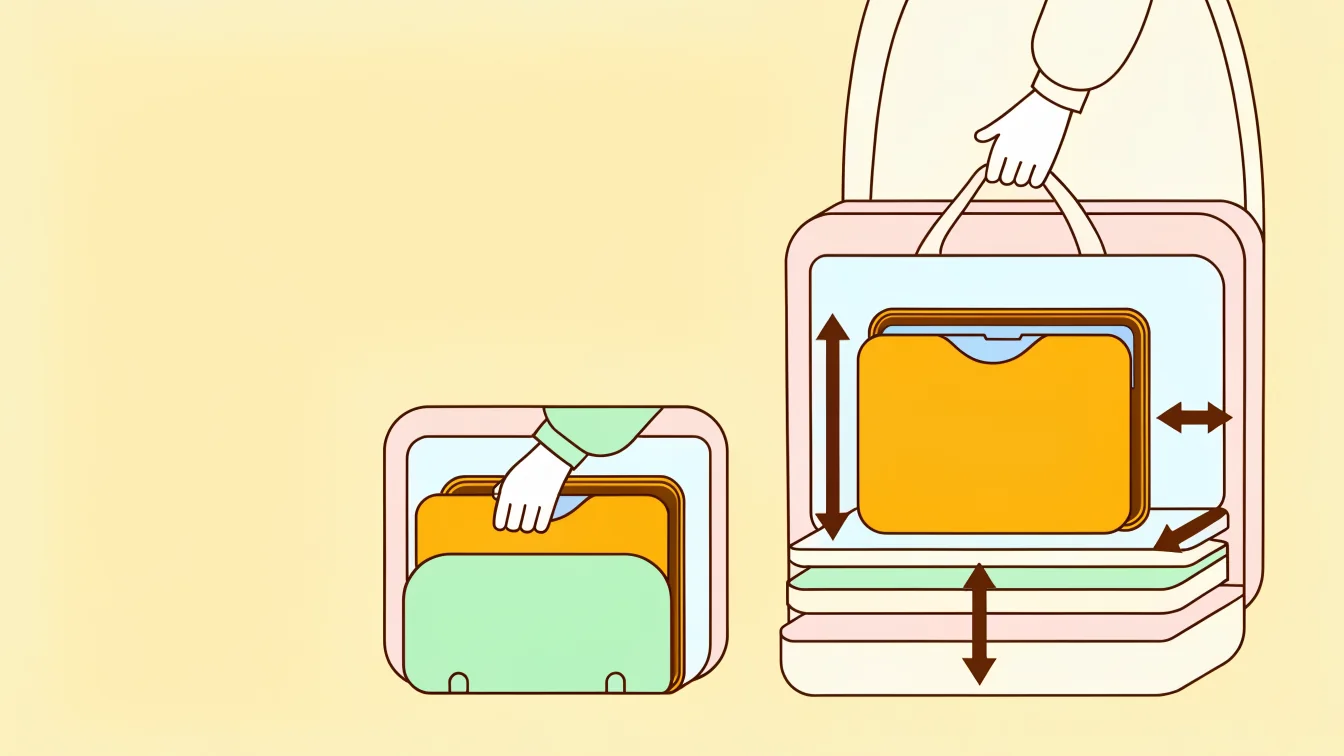
The best school backpacks with a laptop compartment publish the pocket's real size: the Thule EnRoute 26L lists 15.75 x 10.25 x 0.75 inches and a raised pocket. Check thickness and the zipper opening separately, because a screen-size label does not tell you whether a cased device fits.
Quick picks
| Pick | Best for | Key spec | Price tier |
|---|---|---|---|
| Thule EnRoute 26L | A published three-dimensional fit check and raised pocket | 15.75 x 10.25 x 0.75 in pocket | $$ |
| Thule Subterra 2 27L | Side access and a padded sleeve | 14.0 x 0.7 x 9.8 in sleeve | $$$ |
| Thule Lithos 20L | The thickest published pocket among the Thule picks (0.94 in) in a 1.6 lb bag | 15.2 x 0.94 x 10.4 in pocket; 1.6 lb | $$ |
| Herschel Settlement Backpack 23L | A simple padded floating sleeve | 11.25 x 11 in sleeve (two figures); 23 L | $$ |
| Targus 15-16" Intellect Essentials Backpack | The lowest price tier | 14.75 x 1.53 in compartment (two figures); 16 L | $ |
Manufacturer US list prices determine tiers: $ under $50, $$ $50–$149 and $$$ $150–$299. Sale prices do not change the tier.
A school-issued Chromebook may have a thick protective shell. Measure that complete unit rather than borrowing measurements for an uncased computer with the same screen size.
How we chose
Picks for the best school backpacks with a laptop compartment come from makers' US product pages. They rest on published pocket measurements, device-storage descriptions, weights and warranty terms, plus AAP guidance on how children carry a bag. bags.net did not handle or test these backpacks.
The list mixes padded sleeves, one side-access zipper and raised pockets across three price tiers. Three of the five picks are Thule, because Thule publishes all three pocket dimensions.
None of the makers publishes a bottom-clearance distance or a drop rating. Body fit and the school's actual device configuration still need checking before purchase.
What to look for
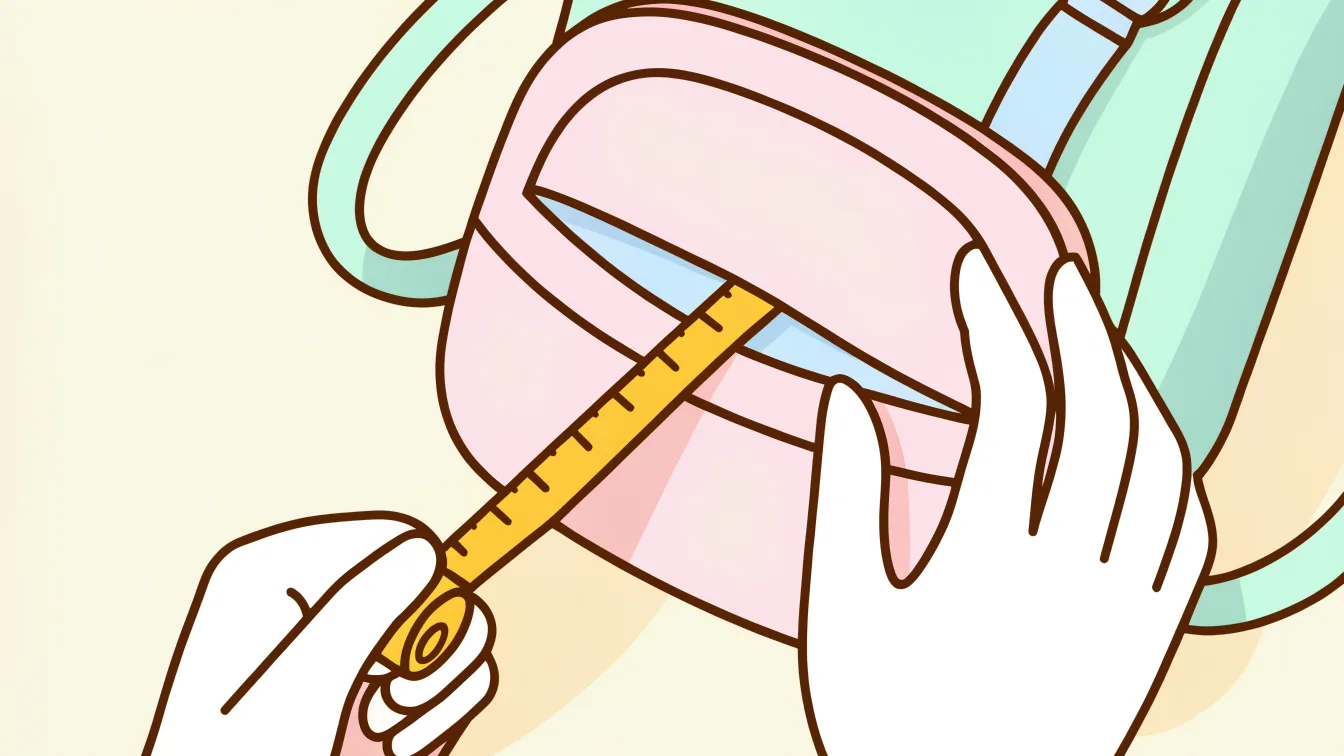
Measure the full device. Record width, height and thickness with its case attached. Include protruding corners or closures in the maximum dimensions.
Separate pocket size from opening size. A computer may fit the cavity yet be difficult to pass through a narrow zipper opening. No maker here publishes the opening size, so ask the maker or check it in hand before the return window closes.
Check padding and suspension independently. EnRoute describes a raised pocket that keeps the laptop off the bottom of the bag. It does not publish that clearance as a number.
Compare thickness limits. Among the three Thule pockets, the listed thickness runs from 0.7 inches on the Subterra 2 to 0.94 inches on the Lithos. Targus lists 1.53 inches as its second compartment figure, and Herschel gives no thickness. A rugged case can use most of a thin pocket.
| Pick | Published laptop-pocket figures (maker's order) |
|---|---|
| Thule EnRoute 26L | 15.75 x 10.25 x 0.75 in |
| Thule Subterra 2 27L | 14.0 x 0.7 x 9.8 in |
| Thule Lithos 20L | 15.2 x 0.94 x 10.4 in |
| Herschel Settlement 23L | 11.25 x 11 in (two figures) |
| Targus Intellect Essentials | 14.75 x 1.53 in (two figures) |
Fit the wearer too. The AAP says the bag should be proportional to the child's height and the heaviest items, like computers, go closest to the body. Ask a pediatrician about pain or individual carrying concerns.
Use the school backpack guide for the wider choice. The laptop bag guide helps organize device-fit questions before comparing designs.
The best school backpacks with a laptop compartment, by published pocket size
Thule EnRoute 26L: for a raised device pocket
The EnRoute 26L, model 3205507 suits a student with a larger laptop. Thule describes a raised, dedicated pocket that keeps the laptop off the bottom of the bag.
Published specifications are 15.75 x 10.25 x 0.75 inches for laptop storage, 26 L, 2.1 lb, and 12.41 x 9.65 x 18.91 inches. Price tier: $$.
Check the cased computer against those three numbers before buying.
Watch out for: Thule does not publish how far it is raised or the padding thickness. A dedicated pocket is not a drop rating.
Thule Subterra 2 27L: for padded storage with side access
The Subterra 2 27L suits a student who pulls the laptop out often: it has a padded, soft-lined sleeve and a side-access zipper.
Specifications are 14.0 x 0.7 x 9.8 inches for laptop storage, 27 L, 2.1 lb, and 13.4 x 8.7 x 18.9 inches. Price tier: $$$.
The maker says a 16-inch PC or 16-inch MacBook fits the sleeve. Check the exact computer against the cavity dimensions.
Watch out for: A case may exceed the 0.7-inch thickness. Thule does not list the bottom clearance or the zipper-opening size.
Thule Lithos 20L: for a lighter bag and the thickest Thule pocket
The Lithos 20L, model 3204835, suits a student with a cased device and a lighter book load; its pocket is the thickest of the three Thule picks. Thule says its raised padded pocket safeguards a 16-inch MacBook or 16-inch PC.
Specifications are 15.2 x 0.94 x 10.4 inches for the laptop compartment, 20 L, 1.6 lb, 11.0 x 8.3 x 17.3 inches and polyester ripstop. A separate slip pocket takes a tablet up to 10.5 inches. Price tier: $$.
Watch out for: At 20 L it is the smallest Thule here, so a full textbook load leaves less room around the device.
Simpler sleeves at lower tiers
Herschel Settlement Backpack 23L: for a floating sleeve
The Settlement Backpack 23L suits a student who wants a padded floating sleeve inside a plain main compartment.
Published specifications are 23 L, 17.13 x 11.42 x 5.91 inches (H x W x D), 1.37 lb and 100% recycled 600D polyester, excluding trims. Herschel lists a Limited Lifetime Warranty. Price tier: $$.
Watch out for: Herschel's page describes the sleeve as fitting a 15"/16" laptop in one place and a 13"/14" laptop in another. It gives only two sleeve figures, 11.25 x 11 inches (H x W), so measure the device before trusting either label.
Targus 15-16" Intellect Essentials Backpack: for the $ tier
The Intellect Essentials, model TSB966GL, suits a tight budget and a light load. At 0.92 lb it is the lightest pick here, and Targus rates it for laptops of 16 inches and under.
Specifications are 16 L, 16.75 x 12.19 x 5.71 inches, 0.92 lb and a 14.75 x 1.53-inch laptop compartment. Targus lists a Limited Lifetime Warranty. Price tier: $.
Watch out for: 16 L is tight for books plus a device, and Targus gives only two compartment dimensions.
Which one should you buy?
Start with the Thule EnRoute 26L: it publishes all three pocket dimensions and keeps the laptop off the bag's base. Pick the Lithos 20L for the thickest Thule pocket (0.94 inches) and the Subterra 2 27L if side access matters more.
Choose the Settlement when a simple floating sleeve fits the device and daily routine. Choose the Intellect Essentials when the budget is firm and the load is light.
Before keeping any bag, place the computer in its required case and rehearse the school routine. Check insertion, closing, carrying and removal with the rest of the kit packed.
A bag warranty does not cover the laptop. Thule's warranty excludes normal wear and tear, accidents and damage to non-Thule products.
If the computer needs an additional sleeve, compare laptop sleeves and measure the combined package. Adding protection is useful only when the full arrangement still fits without strain.
FAQ
Will a Chromebook fit any laptop backpack?
No. Chromebooks and their school cases vary in size.
Measure the exact school device with its case attached, then compare all three dimensions and the opening. Ask the maker about missing measurements instead of assuming a smaller screen means an easy fit.
What is a raised laptop pocket?
It is a pocket arranged above the bag's bottom. Thule describes that arrangement for EnRoute, but does not publish the gap as a measurement.
A raised pocket and padding are separate details. Neither one proves the laptop survives a drop, and no maker here publishes a drop rating.
Is a separate laptop compartment better than an internal sleeve?
It makes the laptop quicker to reach when a student takes it out several times a day. An internal sleeve is enough when the laptop comes out once or twice.
Check actual clearance and protection either way. A separate zipper does not guarantee thicker padding or a suspended base.
Should I add another laptop sleeve inside the backpack?
Only after checking that the combined device and sleeve fit the compartment and opening. Include the added sleeve's thickness and closure in your measurements.
If the sleeve crowds the zipper, skip it or pick a roomier pocket.
Sources
- thule.com/en-us/backpacks/laptop-backpacks/thule-enroute-backpack-26l-_-3204846
- thule.com/en-us/backpacks/laptop-backpacks/thule-subterra-backpack-27l-_-3205027
- thule.com/en-us/backpacks/laptop-backpacks/thule-lithos-backpack-20l-_-3204835
- thule.com/en-us/about-thule/warranty
- herschel.com/shop/backpacks/settlement-backpack
- us.targus.com/products/intellect-essentials-15-6-inch-laptop-backpack-black-tsb966gl
- healthychildren.org/English/safety-prevention/at-play/Pages/Backpack-Safety.aspx