Best rolling laptop bags
We may earn a commission when you buy through links on this page. It never changes what a guide says. How this works.
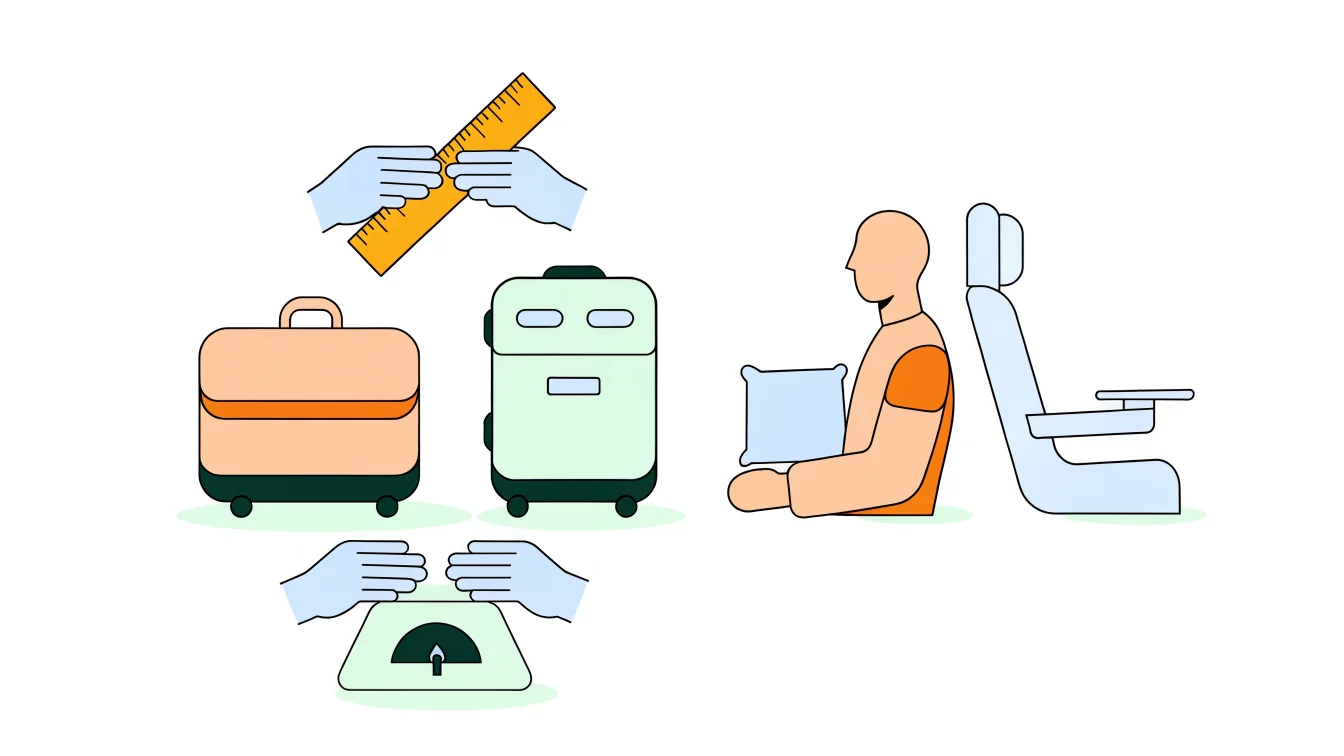
The best rolling laptop bags start with the Targus 16” Transit 4-Wheel Rolling Laptop Case, a wheeled work bag with published compartment measurements. Choose other options for larger computers or different organization. Check packed exterior dimensions separately; rolling laptop bags are not automatically underseat-compatible.
Quick picks
| Pick | Best for | Key spec | Price tier |
|---|---|---|---|
| Targus 16” Transit 4-Wheel Rolling Laptop Case | A four-wheel work case with published laptop measurements | 5.39 lb; 29L | $$ |
| Targus 16" Rolling Laptop Case | An inline-wheel alternative | 6.05 lb; 28L | $$ |
| Solo Bryant Rolling Case | A 17.3-inch laptop | 17.3-inch laptop rating | $$$ |
| Travelpro Crew™ Classic Rolling UnderSeat Carry-On | A small computer plus travel organization | Sleeve fits laptops up to 14 inches | $$$ |
| Travelpro Roundtrip® Rolling UnderSeat Carry-On | The lowest empty weight here, with a 14-inch laptop | 5.2 lb; 26L | $$ |
Tiers use manufacturer list prices: $ under $50; $$ $50–$149; $$$ $150–$299; $$$$ $300 and up. Discounts do not determine a tier.
If you rarely need wheels, compare other laptop bag styles before accepting a roller’s empty weight. Your route matters as much as your packing list.
How we chose
bags.net did not test these bags. To pick the best rolling laptop bags, we opened US manufacturer model pages and compared laptop accommodation, published sizes, empty weights and organization. Airlines set their own personal-item limits, so we point you to your airline’s baggage page rather than quote one.
Maker pages were verified November 17, 2026. Recommendations are based on those specifications, not rolling trials or comfort claims. Where a maker does not publish compartment dimensions, we say so, and a manufacturer’s underseat marketing does not override an airline’s rules.
What to look for
1. Account for the full lifting weight
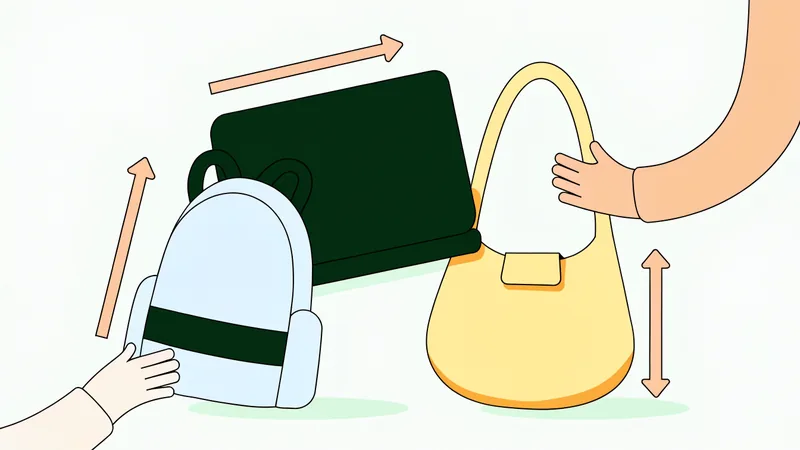
Add it up: empty bag plus computer plus everything else. These five picks weigh 5.2 to 6.4 pounds empty, so a 7-pound load means lifting 12.2 to 13.4 pounds.
That weight still exists when you encounter stairs or lift the bag into a car. Write down every carrying segment of your commute.
A roller can suit long rolling stretches without being the right choice for repeated lifting. Avoid selecting it solely because the contents feel heavy.
2. Keep laptop fit separate from bag capacity
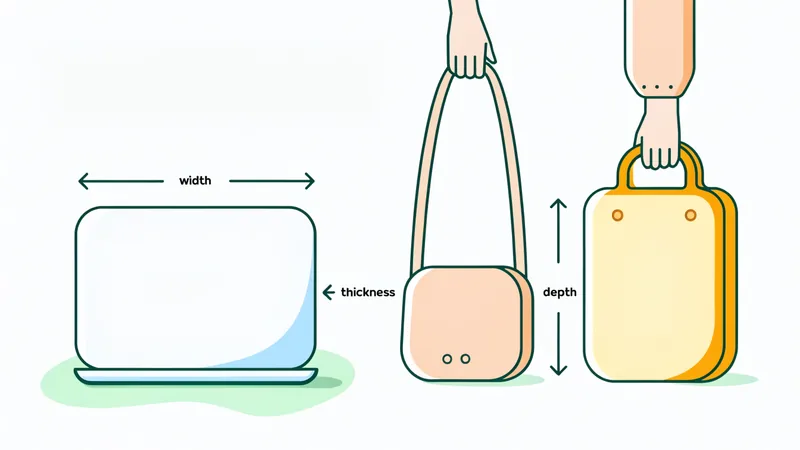
Measure the computer’s closed width, depth and thickness. Include an attached shell, then compare against the compartment rather than the exterior.
Targus publishes the Transit’s laptop-compartment width and height, 10.50 × 15.30 inches, but not its thickness.
That missing third dimension matters for bulky computers. Ask the maker to confirm your exact model when fit is close; screen diagonal alone cannot settle it.
3. Check the packed exterior, including projections
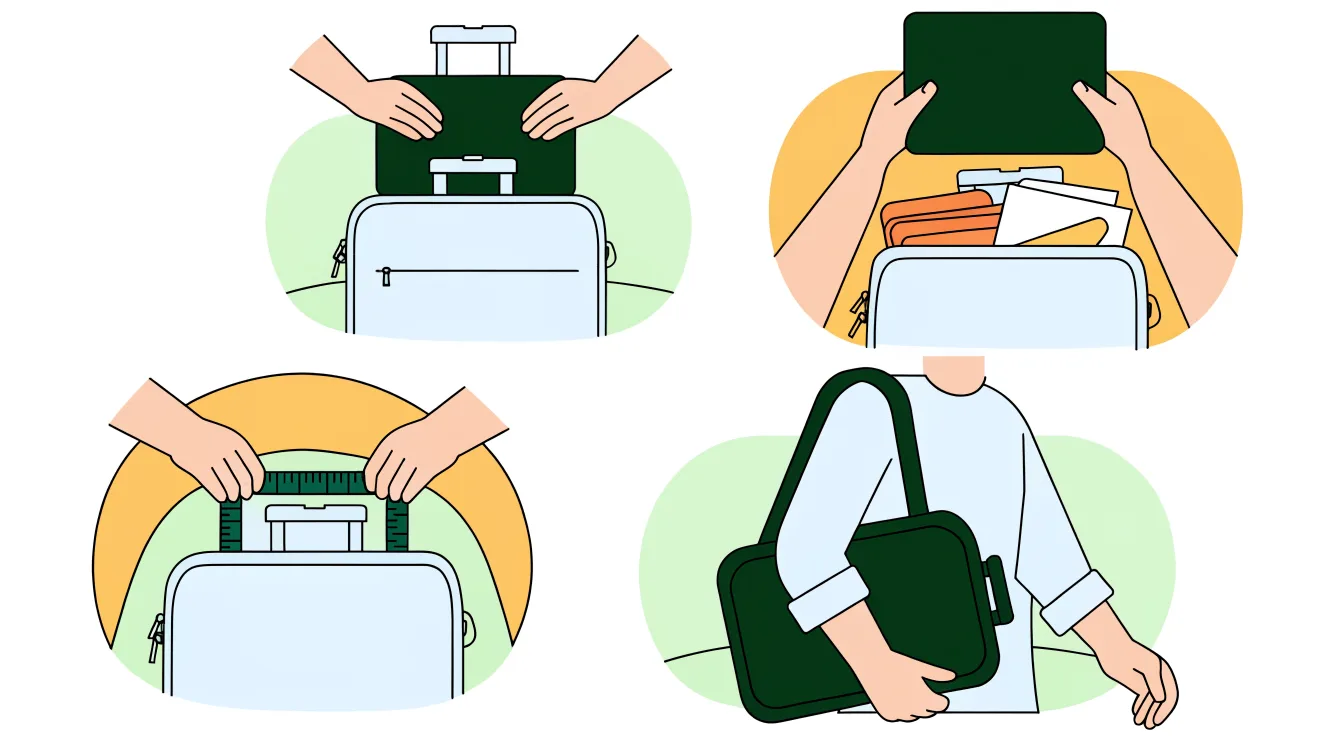
A body measurement is not necessarily an overall measurement. Retract the handle, pack normally, and measure the furthest points.
The Travelpro Crew Classic’s overall depth is 8.75 inches, including wheels and carry handles. Compare that with your airline’s personal-item depth limit.
So do not rely on the word “UnderSeat” in a product name. Each airline sets its own limits.
Use our airline baggage rules guide to organize your checks, then confirm directly with your operator before departure.
4. Choose the access pattern you actually need
Sketch your daily sequence: computer out, document out, charger out, everything packed again. Decide which items need separate access.
Three compartments can be useful if each has a job. They can be wasted space if your load consists of one computer and a cable.
Also decide whether you want inline wheels or a four-wheel layout. Makers publish wheel layouts, not how each bag rolls on your route.
The best rolling laptop bags, pick by pick
Targus 16” Transit 4-Wheel Rolling Laptop Case: best for a four-wheel work setup
The Transit pairs a dedicated laptop compartment with 29L of capacity on four multidirectional wheels. It is a useful starting point when you want wheels without a large suitcase.
| Spec | Maker’s figure |
|---|---|
| Empty weight | 5.39 lb |
| Capacity | 29L |
| Size “with no handle,” maker’s order | 16.14 × 8.66 × 14.37 inches |
| Laptop compartment, W × H | 10.50 × 15.30 inches; thickness unstated |
Price tier: $$, based on the regular price.
Watch out for: Targus distinguishes raised-handle and “no handle” dimensions without clearly explaining wheel inclusion in the latter. Confirm overall packed size before airline comparisons.
Targus 16" Rolling Laptop Case: best for an inline-wheel alternative
Choose this version if its inline-wheel layout and zip-down workstation match your routine. Both Targus bags are labeled for 16-inch laptops, so the layout is the real difference.
| Spec | Maker’s figure |
|---|---|
| Exterior, W × H × D | 16.54 × 14.57 × 7.87 inches |
| Empty weight | 6.05 lb |
| Capacity | 28L |
| Material | 1200D polyester |
Price tier: $$, based on the regular price.
Watch out for: It is heavier than the Transit while offering slightly less published capacity. Choose its layout deliberately rather than assuming the inline-wheel option saves weight.
Solo Bryant Rolling Case: best for a 17.3-inch laptop
The Bryant is the larger-screen candidate here. Its divided file compartment and front organizer make it worth investigating for document-heavy workdays.
| Spec | Maker’s figure |
|---|---|
| Body size, maker’s order | 14.75 × 17 × 8.75 inches |
| Empty weight | 6.4 lb |
| Material | Polyester |
| Laptop accommodation | Fully padded 17.3-inch compartment |
Price tier: $$$, based on the regular price.
Watch out for: Solo lists a screen size and a body size, but not laptop-compartment measurements or an overall size including wheels. Ask Solo to confirm your laptop’s dimensions before ordering.
Travelpro Crew™ Classic Rolling UnderSeat Carry-On: best for a small computer and travel essentials
This option suits a smaller laptop plus an organized overnight load. Its removable hanging organizer provides a separate place for personal items.
| Spec | Maker’s figure |
|---|---|
| Overall, H × W × D | 17 × 14 × 8.75 inches, including wheels and carry handles |
| Empty weight | 5.8 lb |
| Capacity | 24.5L |
| Laptop sleeve | Fits laptops up to 14 inches |
Price tier: $$$, using the maker’s undiscounted price.
Watch out for: Its 8.75-inch overall depth may exceed your airline’s personal-item limit, so the name is not an underseat guarantee. Confirm with your airline.
Travelpro Roundtrip® Rolling UnderSeat Carry-On: best for the lightest roller here
This suits a 14-inch laptop and a light day or overnight load. It has the lowest published empty weight among these picks.
| Spec | Maker’s figure |
|---|---|
| Overall, H × W × D | 17.5 × 14.5 × 8.5 inches, including wheels and carry handles |
| Empty weight | 5.2 lb |
| Capacity | 26L |
| Laptop sleeve | Protection for electronics up to 14 inches |
Price tier: $$, based on the regular price.
Watch out for: Its overall size includes wheels and handles, so check the 14.5-inch width and 8.5-inch depth against your airline’s personal-item limit. The name is not an underseat guarantee.
Which one should you buy?
For daily office use, start by comparing the two Targus layouts. Pick the one that serves your access routine after confirming your computer fits.
For a 17.3-inch laptop, look at the Bryant, and measure your computer first. Solo gives a screen size only, so ask it to confirm the fit.
For overnight organization, look at the Crew Classic’s hanging organizer. If lifting weight matters most, start with the 5.2-pound Roundtrip, especially if your route contains stairs.
If flying dominates your use, make airline compliance the first filter. Do not buy a bag that requires an exception every time you travel.
If neither rolling nor lifting sounds convenient, reconsider a backpack or shoulder bag. Our work bags guide covers those alternatives.

FAQ
Will a rolling laptop bag fit under an airplane seat?
Check the bag’s overall packed dimensions against the personal-item limit on your airline’s own baggage page. Limits vary by airline and can change.
Confirm again before traveling; an “underseat” product name does not establish compliance.
Are four wheels better than two for a laptop bag?
Choose around the movement you prefer and the route you take. Targus describes the Transit’s four wheels as multidirectional.
That establishes the layout, not superior performance on every surface. Compare steering, lifting and storage requirements without assuming that wheel count proves durability or comfort.
How do I check if my laptop will fit?
Measure the closed laptop in all three dimensions, including any attached shell. Compare with the internal laptop compartment, not the bag’s exterior.
Where a maker supplies only a screen-size category, request model-specific confirmation. A large main compartment does not guarantee that the padded section fits.
Should I choose the lightest rolling laptop bag?
Use empty weight as one filter, alongside computer fit and usable organization. Calculate the full load you will lift, including chargers, documents and clothing. If a heavier case adds compartments you will not use, there is little reason to accept that extra carrying burden.
Sources
- solo-ny.com/products/solo-rolling-laptop-portfolio
- travelpro.com/products/roundtrip®-rolling-underseat-carry-on
- us.targus.com/products/16-inch-laptop-rolling-bag-tbr003us
- us.targus.com/products/16-inch-transit-4-wheel-rolling-laptop-case-tbr044gl
- travelpro.com/products/crew™-classic-rolling-underseat-carry-on